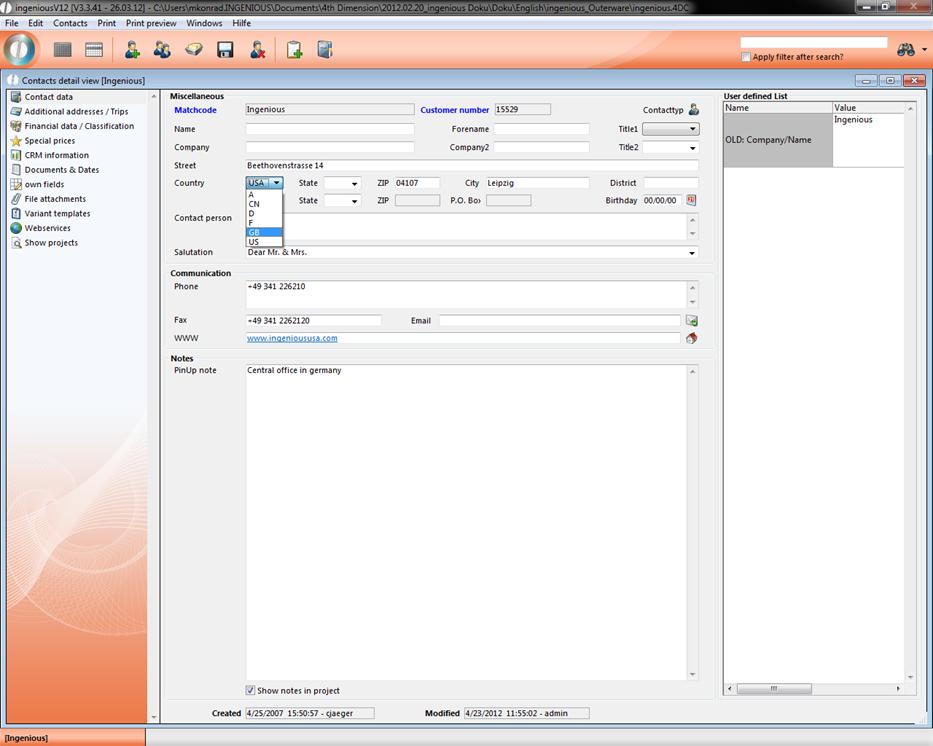
The “Selection lists” menu offers you the possibility to change pop-up menus that are available in Ingenious.V12, or to supplement them with your own entries.
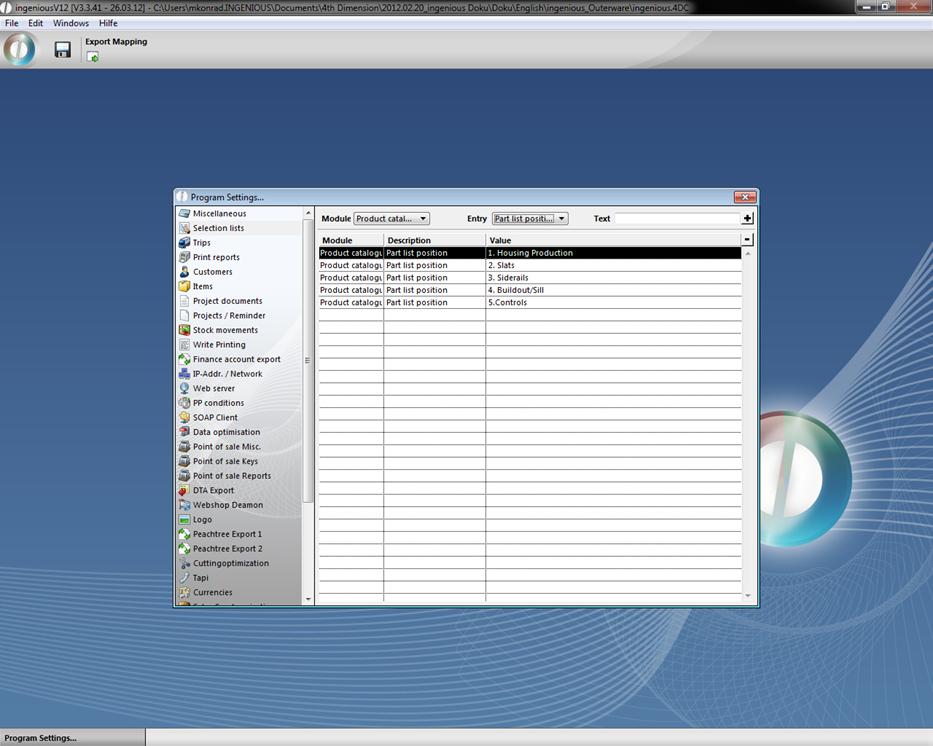
Sample view of the “Selection lists” menu.
To make a new entry in the selection list, you need the two top pop-up fields. An exercise follows to illustrate this:
Practice using selection lists
-
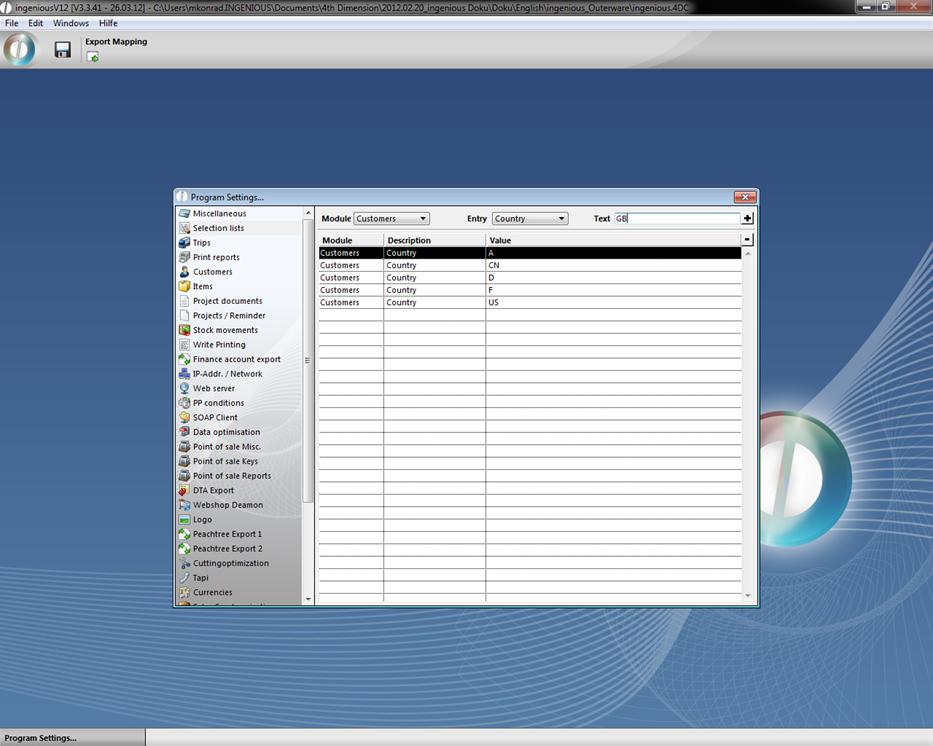
Select the “Customer” option in the “Module” field and in the second one, select
“Entry” and the option “Country”
-
In the third field, enter the country code. In this example “GB” stands for Great Britain
-
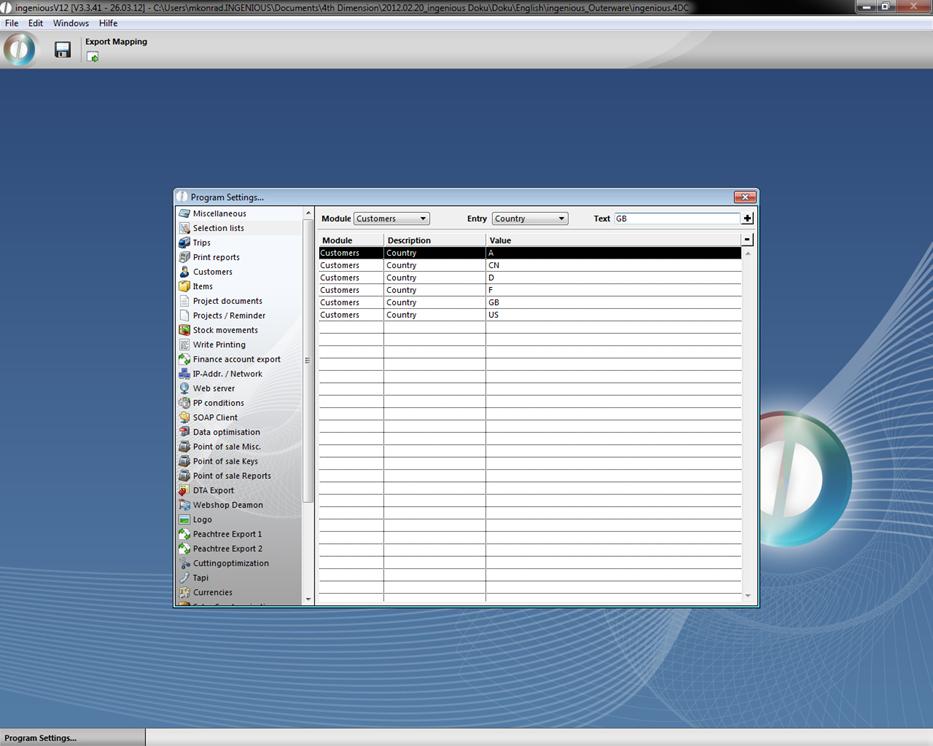
Click on the button to enter the option in the selection list.
-
Leave the program settings and save the changes. When you go to contacts, you can select Great Britain in the domain “Country”.